¶ Getting Started
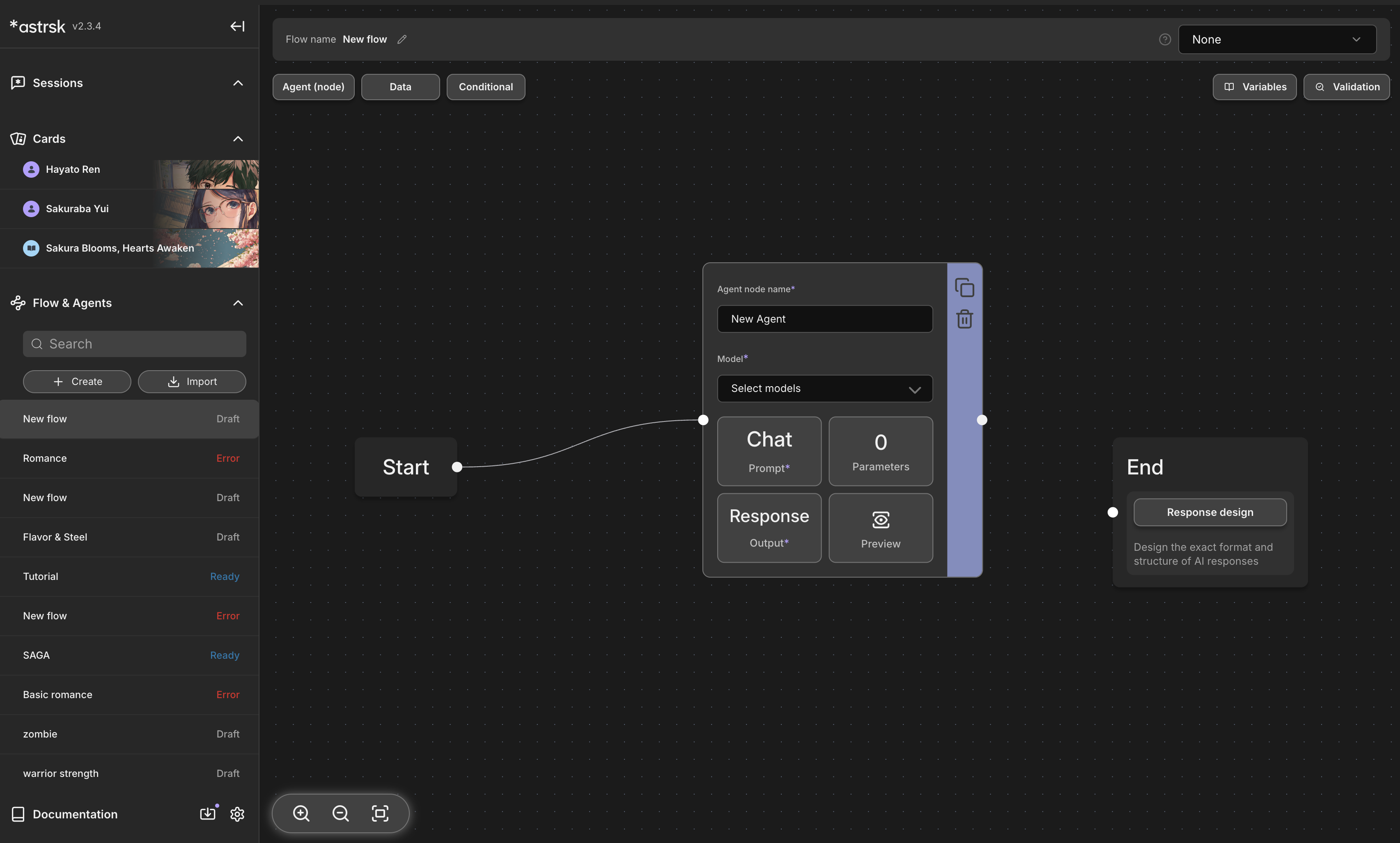
- Click the [+ Create] button located at the top of the Flow list in the resource panel.
¶ Add Flow Name
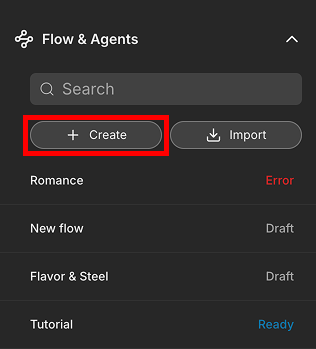
- Add a flow name and click [Create], you will be able to start editing the new flow in detail.
¶ Getting Started with Flow Building
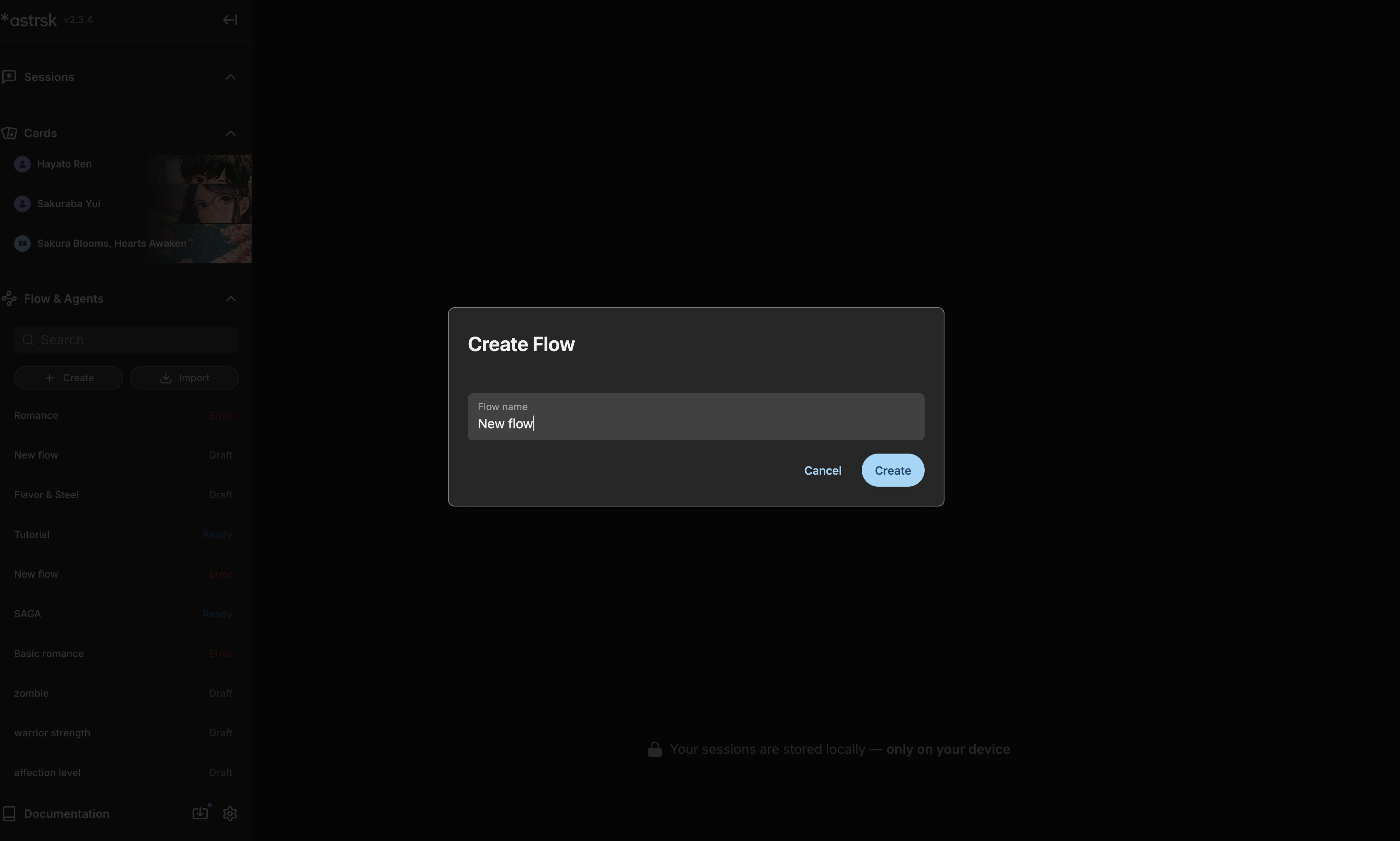
- You will start your flow building journey from here on out. The flow will start out with one start node, agent node, and end node.
- If you want to explore further on flow building, go to this link to get a better understand of the explanation.