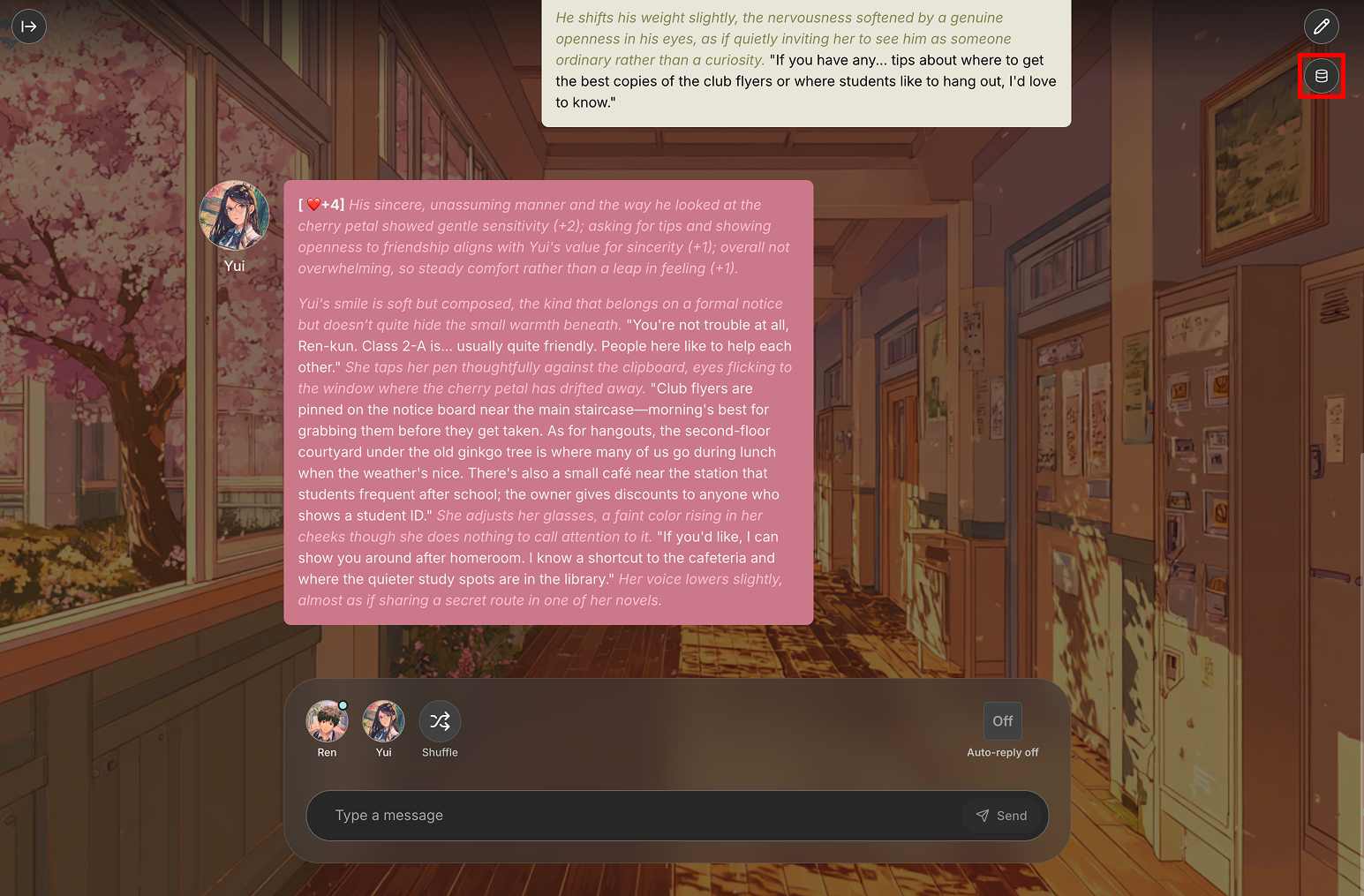
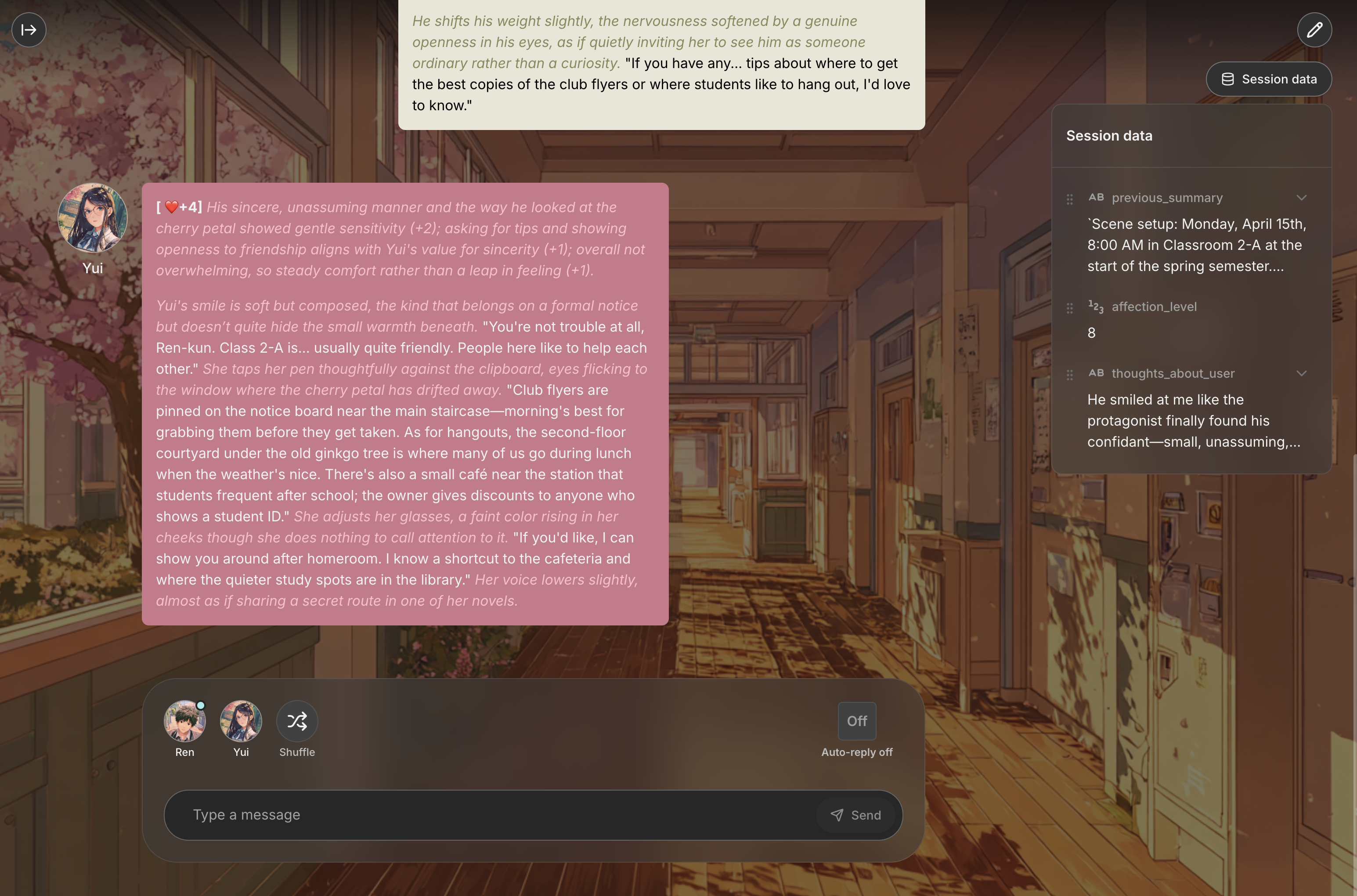
Automatic Display: All data fields from your flow's Data Schema automatically appear in the session, showing their current values as they update through gameplay.
Live Updates: Values change in real-time as your flow's Data Nodes perform calculations and modifications during roleplay interactions.
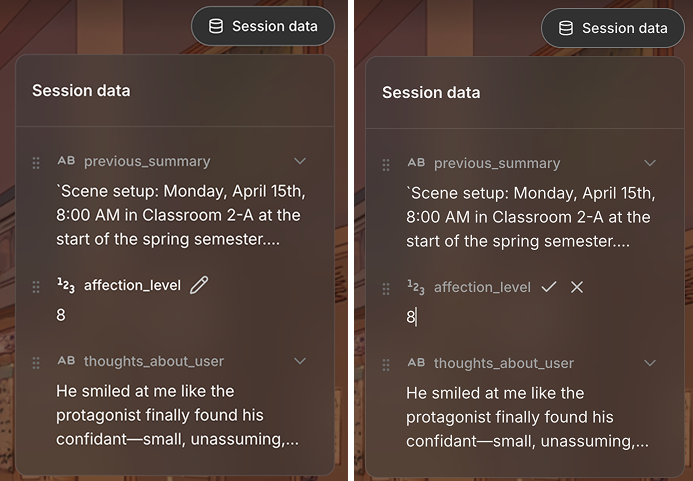
Direct Editing: Click on the edit button to manually edit the data during your session.
Things to keep in mind:
Data Persistence: Changes made to session data persist throughout the entire session and influence how your flow responds to future interactions.
Type Safety: Edited values must match the declared data type - you cannot enter text in a number field or non-boolean values in true/false fields.
Flow Integration: Manually edited values are immediately available to all nodes in your flow, just as if they were updated by Data Nodes during normal execution.