Clicking on a particular session will take you to the main session screen. This is where you interact with the AI and play your session.
¶ Sending Messages
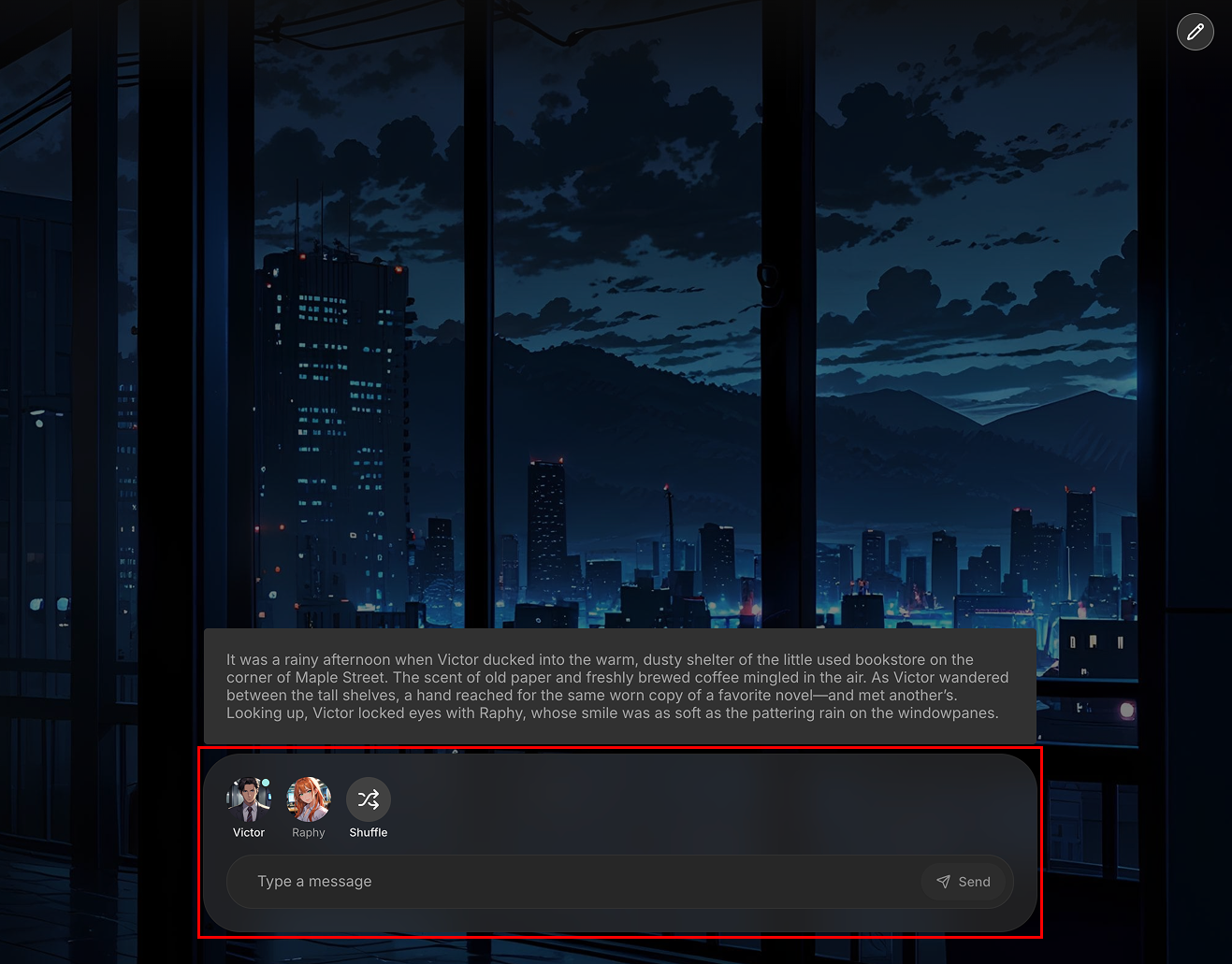
At the bottom of the screen, you will find a message input box. Type your message here and press Enter or the send button to send your message. If you want AI to create a response for your character, click on your character button above the message input box. The AI, using the session's flow, will gerenate a response for you.
¶ Generating AI Responses
¶ 1-on-1 Chat
- In 1:1 session with one AI character, the AI will respond automatically after you send a message.
- You can also use the character's button to manually trigger a response at any time.
- Choose the auto-reply option if you wish for the AI to respond automatically.
¶ Group Chat
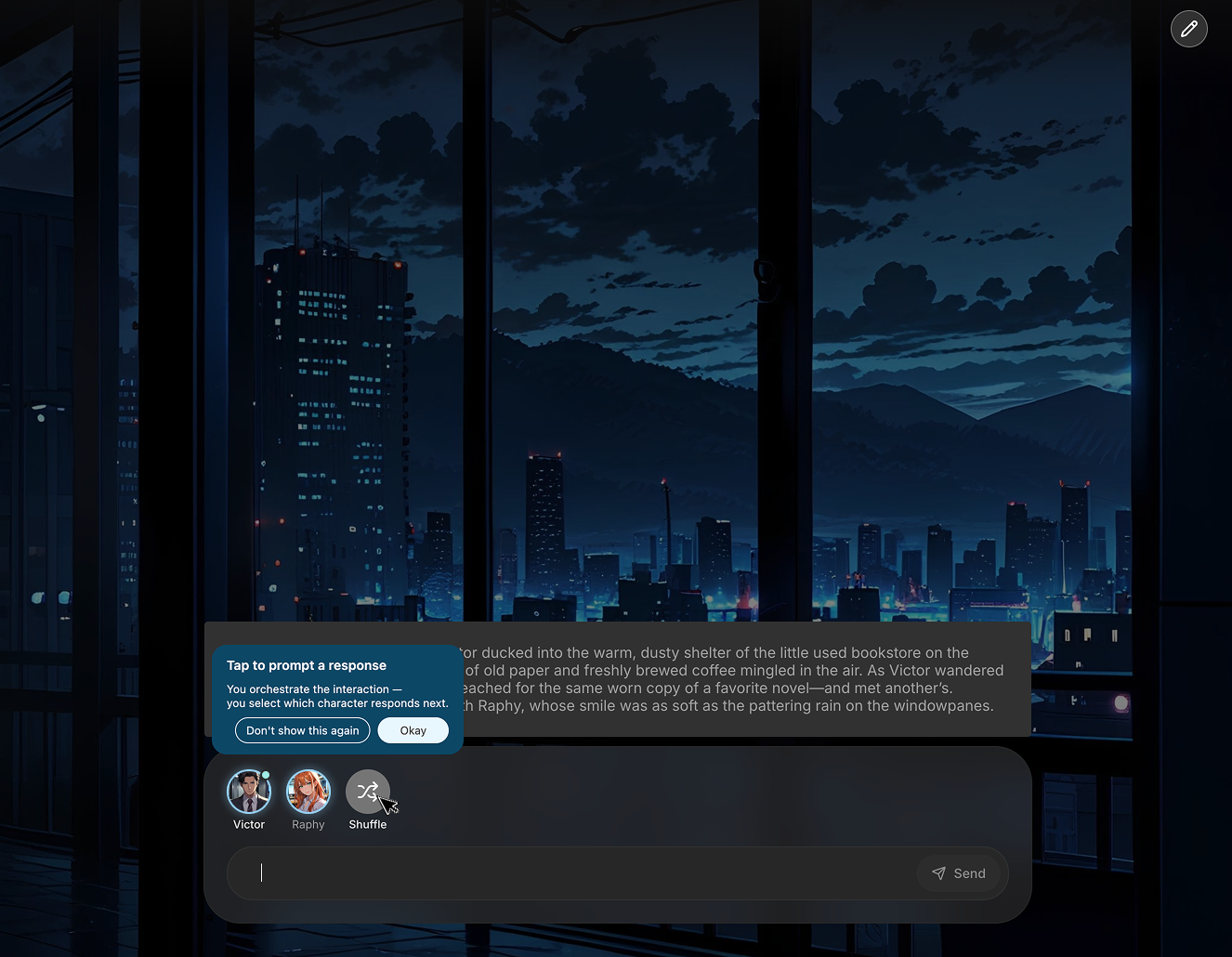
- In a group chat with multiple AI characters, you must explicitly press a character button to make them speak.
- The AI will not respond automatically. If you want any random of the charcters to answer, click the [Shuffle] button.
- Choose the auto-reply option if you wish for the AI to respond automatically. The auto-reply option comes in two forms: one random character responding or all AI character responding.
¶ Editing Messages
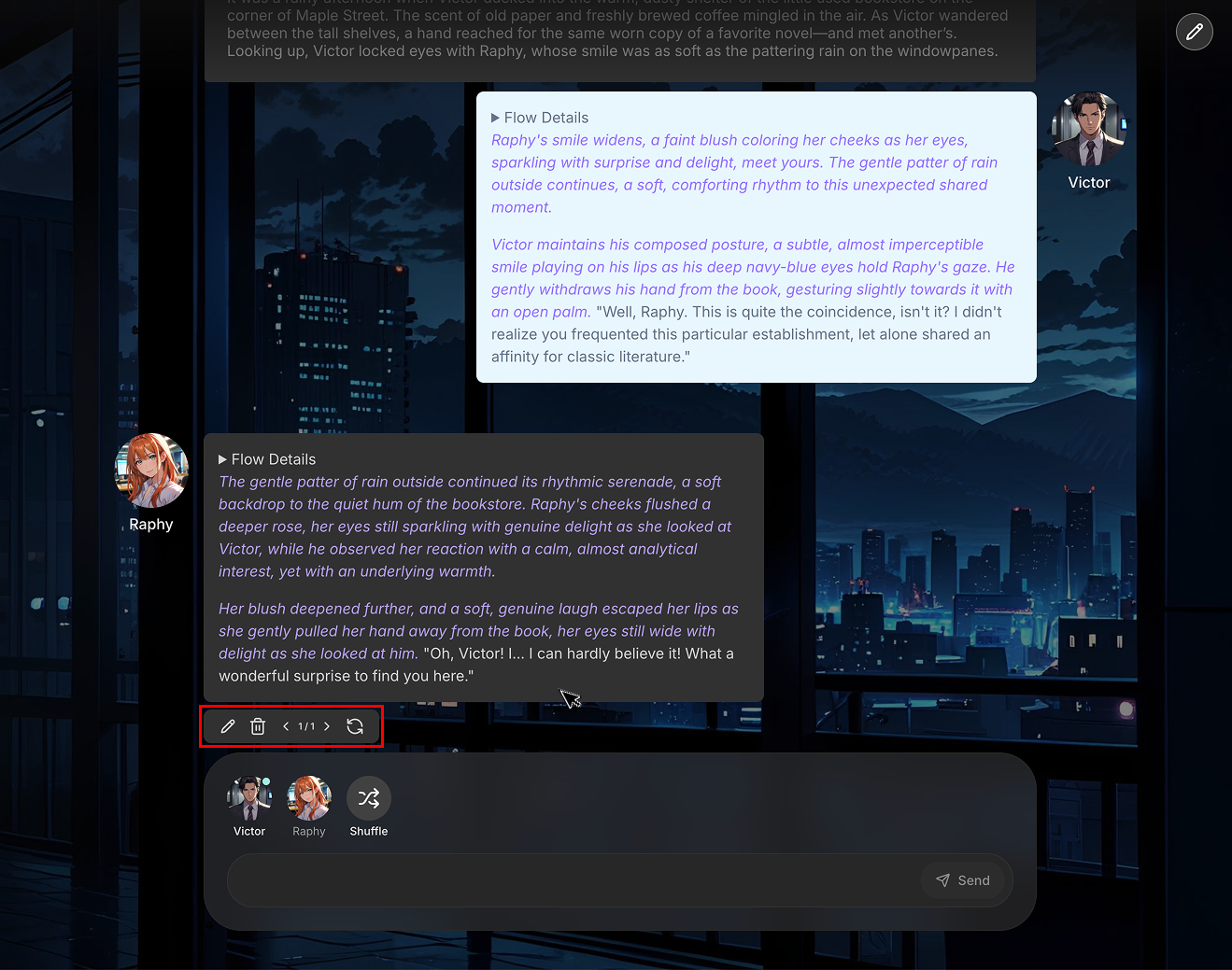
- You can edit, delete, or reroll any message in the chat history. Hover your mouse over a message, and a control panel will appear at the bottom of that message bubble.
- Edit: Allows you to change the content of the message.
- Delete: Removes the message from the chat.
- Reroll: AI will generate a new response for that turn.