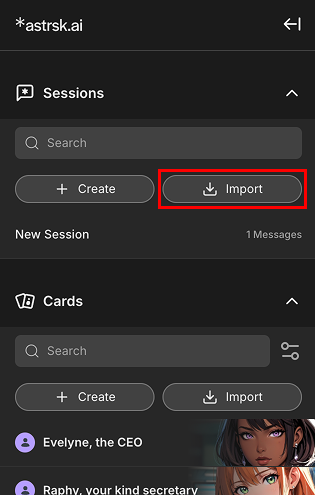
Press the [Import] button
Click the [+ Import] button at the top of the sessions list in the
resource panel
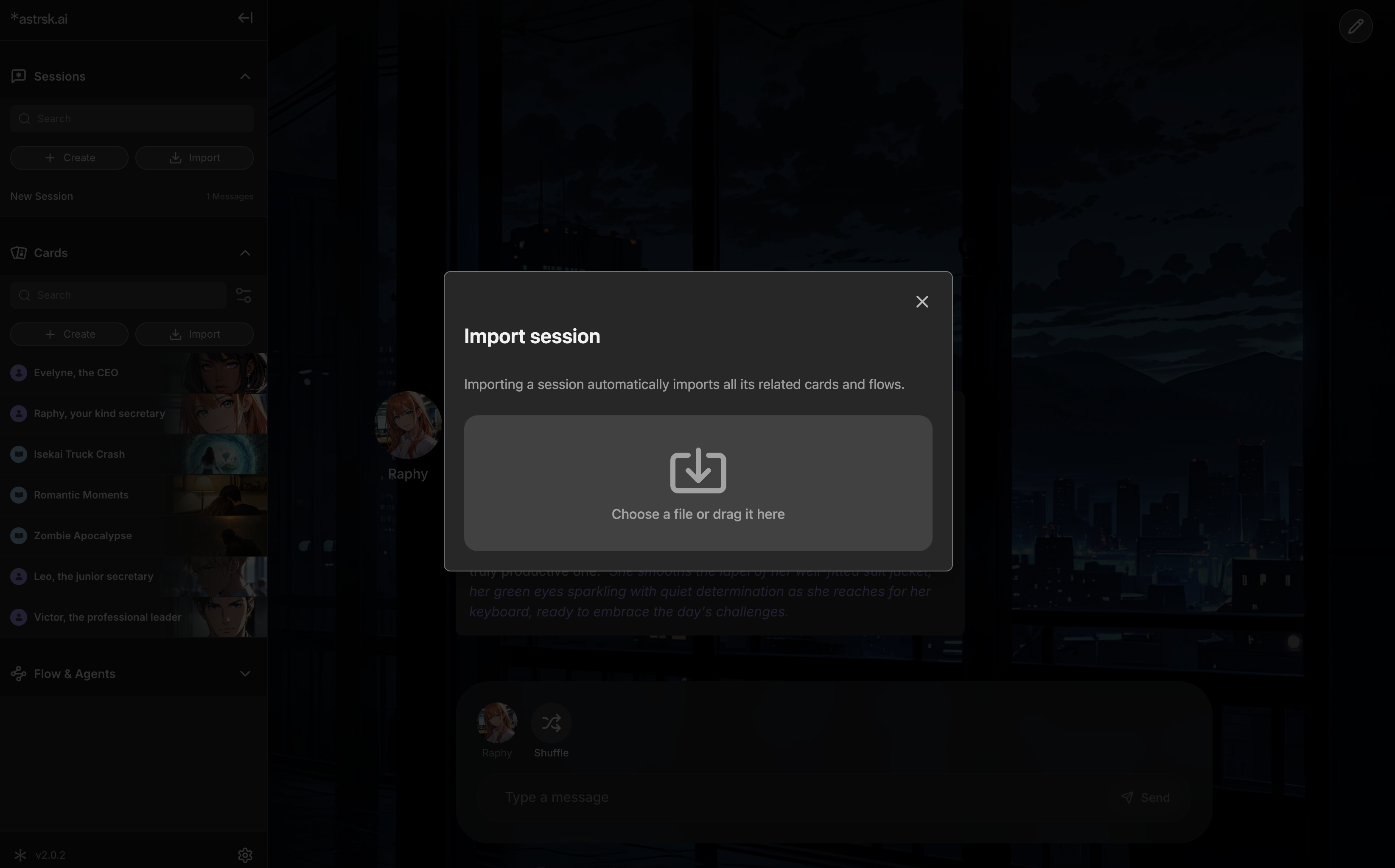
. This opens the file selection window, allowing you to bring in roleplay sessions.

Choose a File to Import
Select a .session file you want to import from your device.
This file should contain previous roleplay interactions along with the cards and flow that are used in the session.

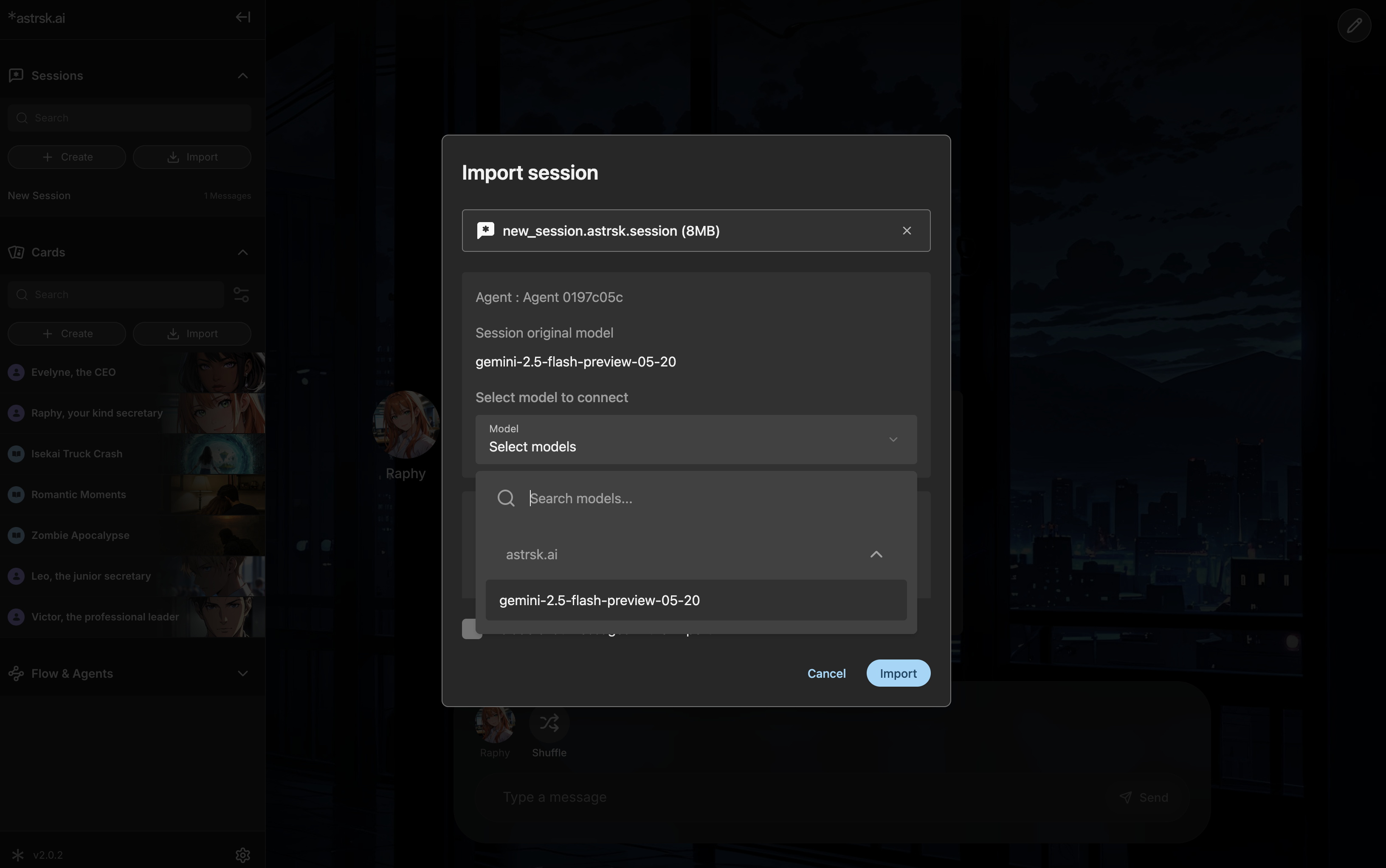
Model Selection
Once the import is successful, you'll need to select models for each agent.
Refer to [Session original model] to check what model was used by the creator of the flow.

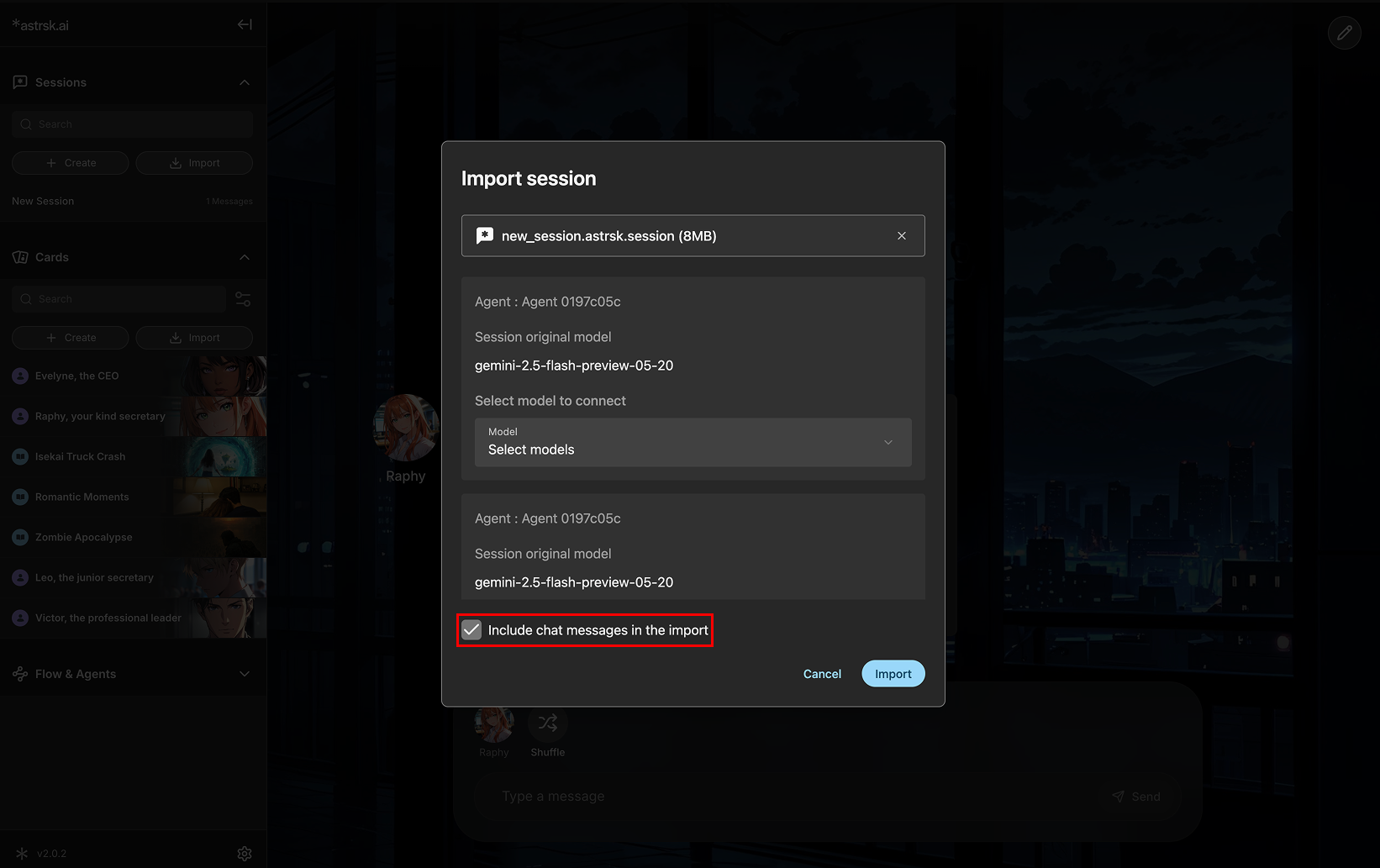
Chat Continuity
Lastly, select whether to include the chat history of the original import so that you can continue where it was left off.