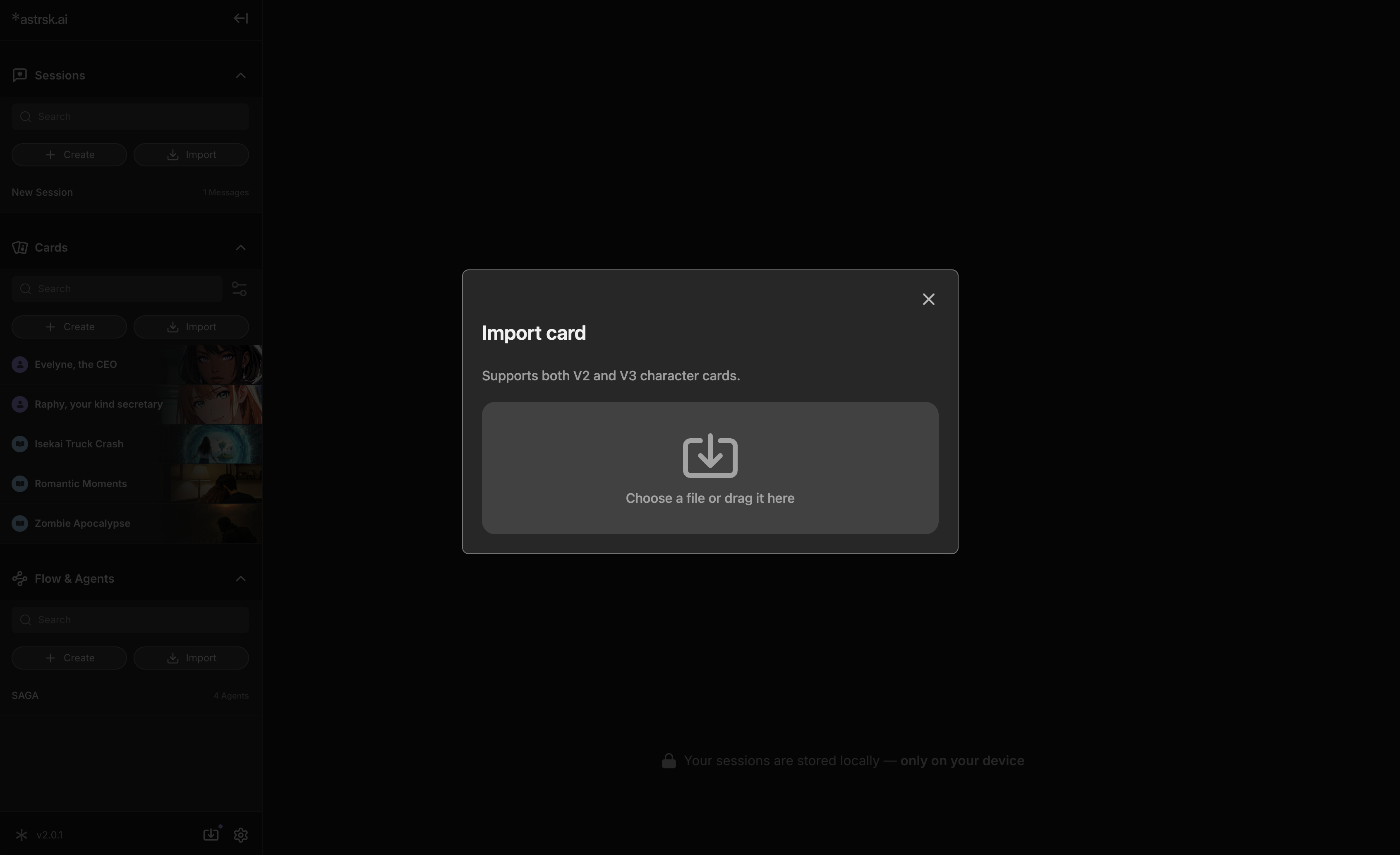
¶ Press the [Import] button
- Click the "Import" button located at the top of the card list in the resource panel. This opens a file selection window, allowing you to bring in external card files.
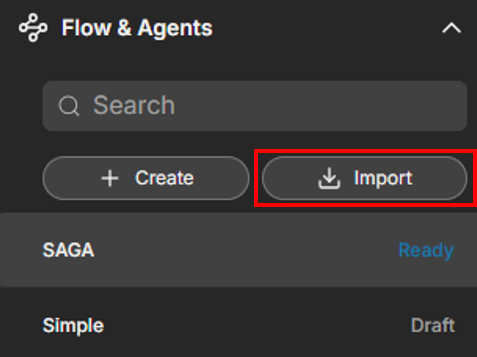
¶ Select Flow Files to Import
- You can import astrsk flow files. They are in JSON format. Once selected, they will be added to your flow list to be used in roleplay sessions.