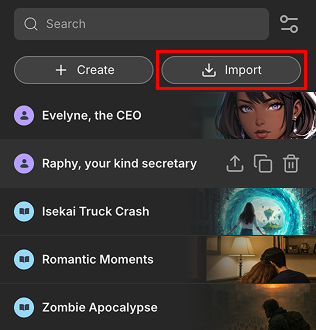
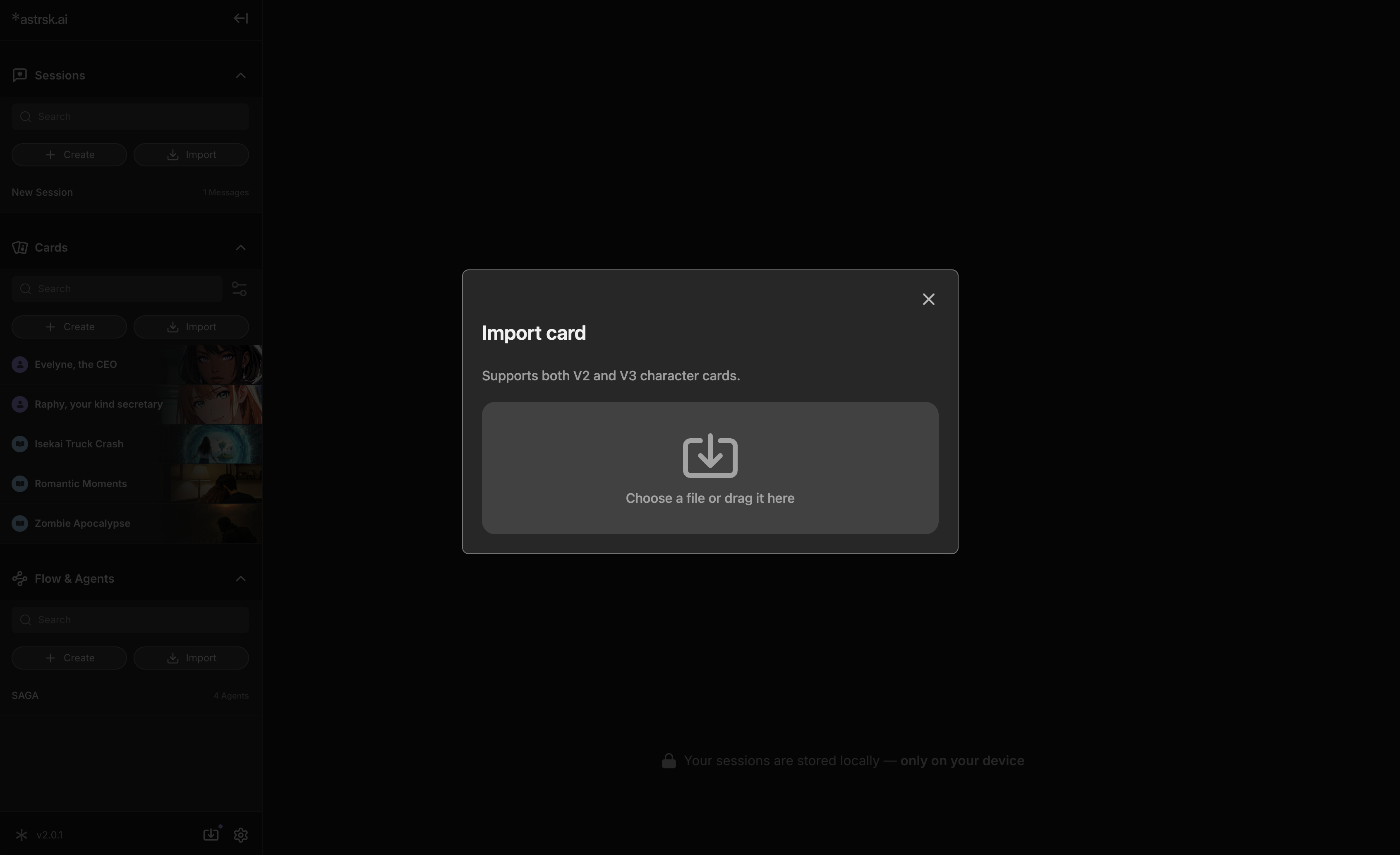
Click the "Import" button located at the top of the card list in the resource panel. This opens a file selection window, allowing you to bring in external card files.
Acceptable File Formats: The imported files must be in PNG format.
V2/V3 Cards: V2, V3 character cards from other platforms can be imported to astrsk.
When you import a V2 or V3 card, it automatically divides into two separate cards — one character card and one plot card — so that each piece of information is appropriately categorized.