- Click the [+ Create] button located at the top of the card list in the resource panel.
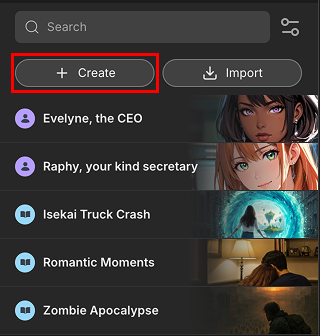
- First, choose whether you want to create a Character Card or a Plot Card. This selection determines the fields and panels available for you to fill out. Add a card name and click [Create], you will be able to start editing the new card in detail.
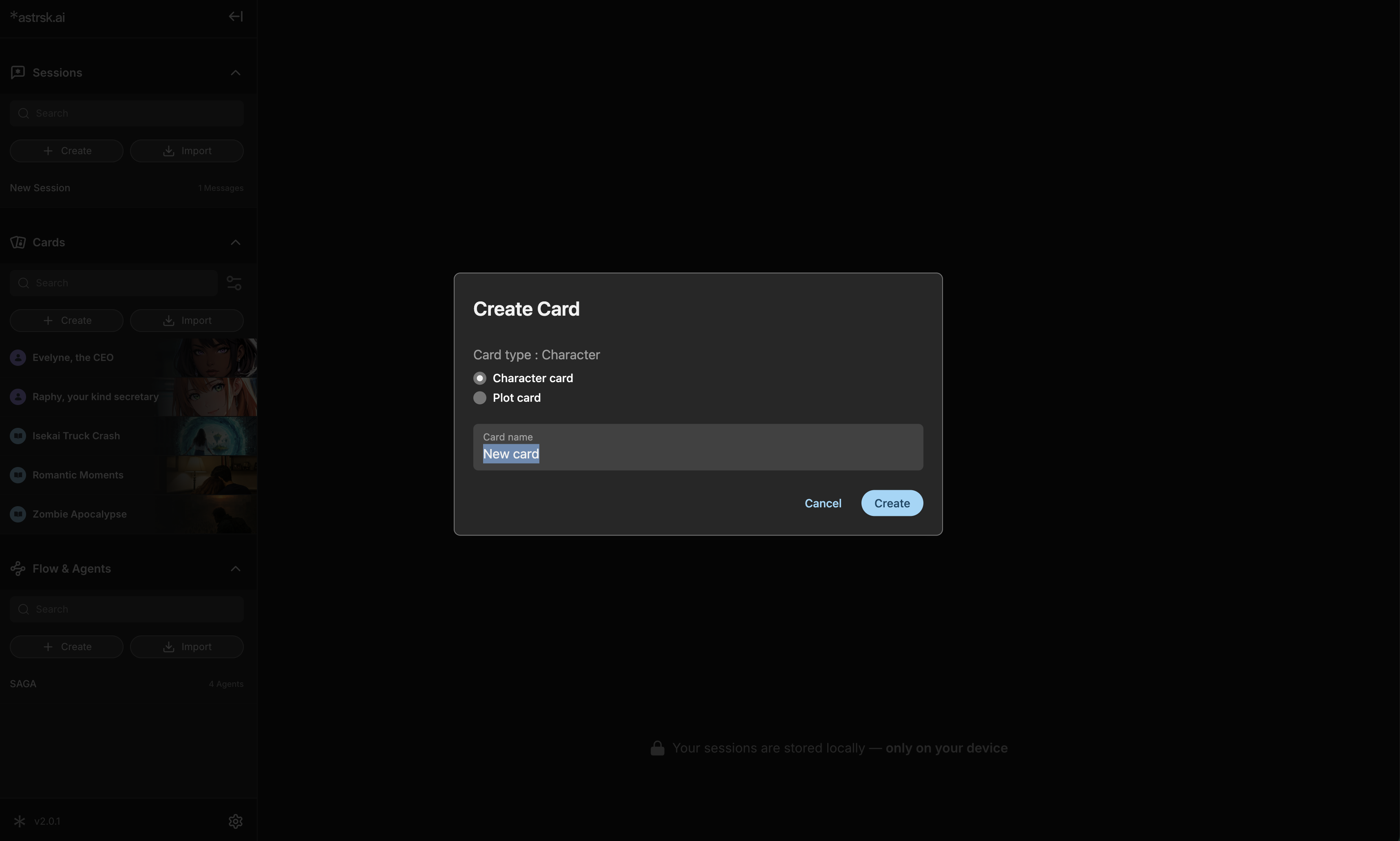
- The information that you add in the text fields will define your character's personality or the story's plot. The card creation interface uses several panels to organize this information.
- For Character Cards, Character cards consist of Metadata, Character Info, Lorebook, and Variables panels to define your character.
- For Plot Cards, Plot cards consist of Metadata, Plot Info, Lorebook, Scenarios, and Variables panels to define your plot.