Ollama is an application that allows you to run AI models directly on your local device.
¶ Install Ollama
- Refer to this document for instructions on installing Ollama on your system.
¶ Get Models
- From your terminal, run the following command to download the desired model (e.g.,
llama3.1:8b):
ollama pull llama3.1:8b
¶ Start Ollama
- Start the Ollama server by clicking the Ollama application icon in your app list, or by running the following command in your terminal:
ollama serve
¶ Connect Ollama in astrsk.ai
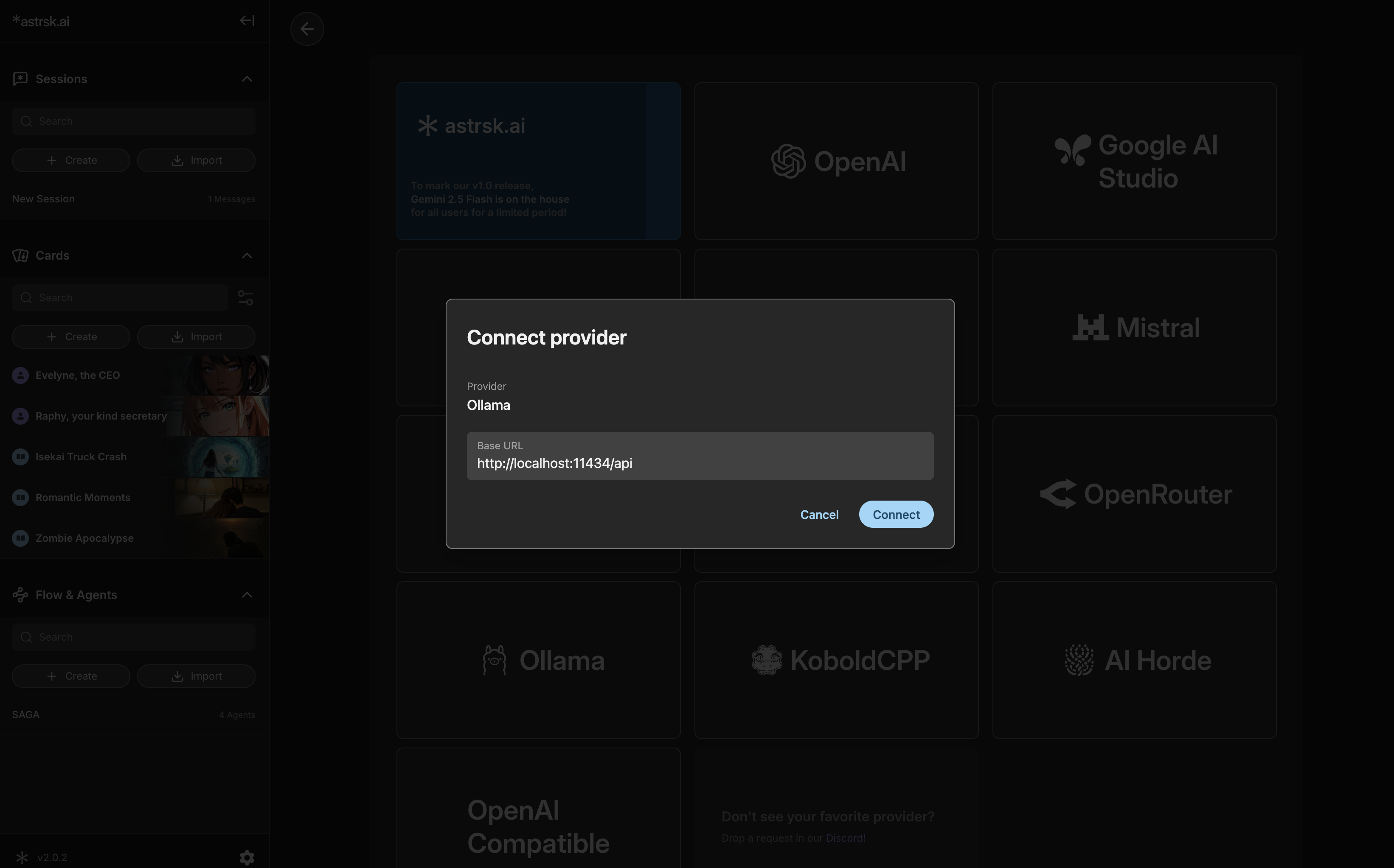
- Within astrsk.ai, navigate to the provider settings.
- Select Ollama as the source, verify the Base URL (usually
http://localhost:11434/api), and then press Connect.